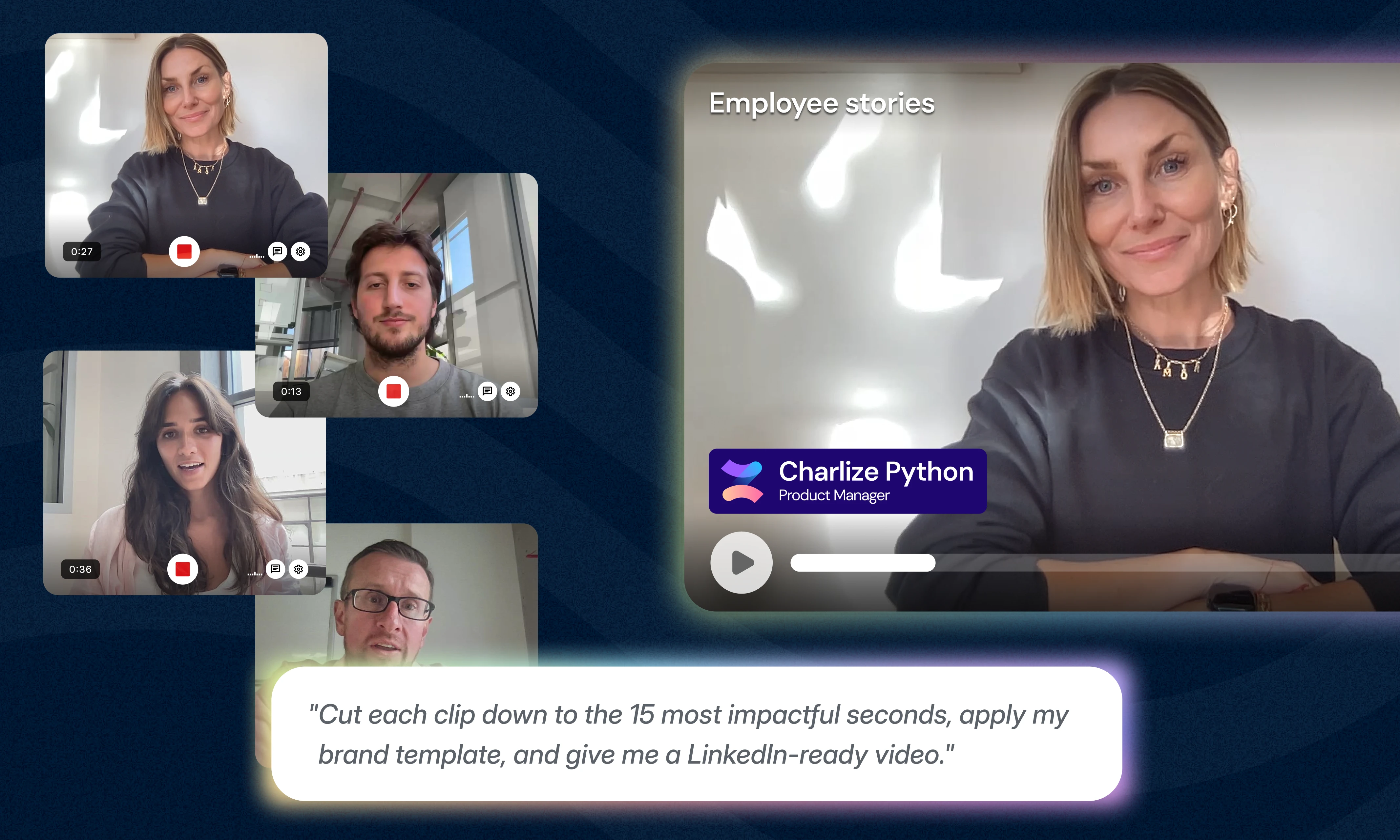
What it is
Ask Vouch can now complete even more actions across your Vouch workspace. From creating Projects and Requests to organizing content and building Compositions, you can simply ask Vouch instead of clicking through multiple screens.
Ask Vouch is also now context-aware. If you’re already inside a Project or Request, it’ll understand where you’re working and use that information automatically.
Why we built it
We want Ask Vouch to feel like another member of your team – not just something that answers questions.
These new capabilities let you manage your workspace faster by describing what you want in plain language.
Things to try
Use these prompts as idea starters for what you can start Asking Vouch for today.
Projects
- Create a Project called “Graduate Recruitment 2027”.
- Create three Requests for my Graduate Recruitment Project.
- Give me some content ideas I could create from these videos
- Change the owner of this Project to Sarah.
Requests
- Create a Request for our Engineering team.
- Find all open Requests assigned to me.
- Share this request with sarah@company.com and james@hr.com
- Show me Requests due this week.
Compositions
- Create a Composition using our Employer Brand template.
- Find highlights under 15 seconds about culture and add them to a new Composition.
- Update the title of this Composition to “Life at Vouch”.
Library
- Find all videos tagged Sales.
- Show me videos recorded in the last 30 days.
- Find highlights about flexibility.
- Search for onboarding documents.
- Upload this video to my Library.
- Upload these PDFs to the Project.
Tags
- Add the Graduate tag to every Engineering video.
- Remove the Internal tag from these videos.
- Show me everything tagged Leadership.
Advocacy
- Create an Advocacy Request for our new EVP video.
- Find all Advocacy Requests awaiting approval.
- Update this Advocacy Request with a new publish date.
Learn more at help.vouchfor.com.

Elevate Your Brand Today With Vouch
Discover how Vouch can accelerate talent acquisition while helping you stay on-brand.