
CEO video messages: How to record leadership updates employees actually watch
CEO video messages can make leadership communication more personal, timely and accessible. However, getting busy executives to record regular updates can be challenging, particularly when filming schedules, approvals and editing slow the process down.
The most effective approach is often a simple one: focus on questions employees actually have, give leaders an easy way to record and share the finished video through existing communication channels.
This guide explains how to plan, record and share CEO video messages without a lengthy production process, with practical examples from organizations using Vouch. For more ways to use video across an organization, see our guide to internal communications videos.
Company updates worth watching
- Get busy leaders on camera
- Real faces behind big news
- Reach teams wherever they work
- Record, edit and share easily





Why some CEO video messages get skipped
When a leadership video doesn't land, the cause is usually the format, not the leader.
Common reasons include:
- It tries to cover everything, so nothing stands out.
- It's read from a script, so it sounds like an announcement rather than a conversation.
- It takes weeks to coordinate, so it arrives after the news has moved on.
- It's posted somewhere employees don't usually look.
Each of these is fixable with planning and a simpler way to record. That's what the rest of this guide covers.
How to plan a CEO video message
Good leadership updates are planned around what employees need to know, not around a filming day. That starts with choosing when video is useful and identifying what employees should take away from the message.
When to use video instead of a written update
Not every leadership announcement needs to be a video. The format is particularly useful when employees need to hear directly from a leader, especially when the message involves organizational change, important decisions or company priorities.
CEO video messages can work well for:
- Organizational changes: Explaining why a decision has been made, what it means for employees and what happens next.
- Company updates: Sharing progress against business goals, acknowledging challenges or explaining new priorities.
- Employee recognition: Celebrating achievements and recognizing contributions in a more personal way.
- Leadership introductions: Helping employees become familiar with a new CEO or executive.
- Employee Q&As: Responding directly to questions or concerns raised across the organization.
Written communications are still important, particularly when employees need detailed instructions, policy information or something they can easily reference later.
For more complex announcements, combining both formats can be effective. A short leadership video can explain the context and reasoning behind a decision, while a written update provides the details, timelines and next steps employees may need to revisit.
Decide the one thing employees should take away
Before writing any prompts, agree on the single message the video needs to get across. It might be this quarter's priorities, the reason behind a decision or what a change means for people's day-to-day work.
If there's more than one big topic, record more than one video. Short, focused updates are easier to watch, share and reuse.
Start with the questions employees are asking
A useful leadership update often answers a real question rather than simply delivering a prepared statement. Collect questions first, through a form, a channel or a link in your regular newsletter, and let them shape the prompts.
Bupa does this well. The Chief People Officer sends a weekly email every Friday to the entire people team, with a link to submit a question anonymously. The questions go into Vouch, she picks one, records a video answer and it's embedded in the following week's email.
Employees hear from a senior leader every week, on a topic someone actually asked about.
Write prompts and talking points, not a script
Recording is a different skill from presenting. A leader who is relaxed and clear in a meeting can sound stiff reading a script to a camera.
Focused prompts are usually easier to answer naturally than broad ones. Instead of "Give everyone an update on the quarter," try three to five prompts like these, each with a few talking points:
- What's the one thing you want everyone to know this month?
- Why are we making this change, and why now?
- What does it mean for teams on the ground?
- What happens next, and where can people go with questions?
A straightforward structure can help leaders keep their answers focused. Start by explaining what's happening, give employees the context behind the decision, outline what it means for their teams and finish with any next steps. This gives employees the information they need without turning the update into a lengthy presentation.
Answering one prompt at a time keeps each section focused, and it means a single answer can be redone without starting the whole video again.
Keep it to a few minutes
There's no perfect length, but a few minutes is a practical starting point for a regular leadership update. Keep each video focused on one main message, and consider splitting longer updates into separate videos when there are several important topics to cover.
If you use Vouch, you can set a maximum duration for each question so answers stay concise.
How to record a leadership video update
When it comes to getting executives on camera, the biggest barrier is rarely the camera itself. It's the coordination: calendars, filming sessions, files and approvals. The recording process should remove as much of that as possible.
Send a recording link instead of booking a filming session
With a recording request, your team sends the leader a link with the prompts. The leader records on their phone or laptop whenever it suits them. In Vouch, they don't need an app or a Vouch account to do it.
Funlab's leaders span three countries and eight brands, so getting the executive team together for filming used to mean aligning calendars across all of them. Now leaders record short clips in their own time, ready for that week's internal newsletter.
"We can word them up before we send a request and get something in the newsletter later that week," says Naz Wilson at Funlab.
Give the leader notes, a teleprompter and retakes
A little support makes recording feel much easier. In a Vouch request, you can add pre-filled notes to each question, which the leader can edit before recording. Ask Vouch can also help generate speaker notes if you turn that option on.
Leaders can use a teleprompter, replay each answer and re-record it as many times as they like before submitting. Questions can be set as optional, so they can skip anything that doesn't apply.
None of this is about polish. It simply means the leader can focus on what they want to say.
Make it easy to record on the move
Some of the most useful leadership updates can be recorded away from a desk. When Dunelm's new chief executive set out to visit every one of the company's 200+ stores in her first 12 months, she was already filming short clips on her phone.
Rather than having her email those clips in, the comms team gave her a Vouch link that is always open. She records when she wants to, whether that's in the car, on the road or on the shop floor, and the video goes straight to the Vouch library.
"She uses the same link every week. She just films what she wants to say really quickly. It goes off to the comms team," says Olivia Williams at Dunelm.
Use a live conversation for Q&As with more than one leader
Some updates work better as a conversation, such as a leadership panel or a Q&A on a big change. For these, Vouch Sync records a live session in the browser with up to six people, a host plus up to five participants.
Each person is recorded separately, so you can combine them into one video or cut a single leader's answer into its own clip.
A quick recording checklist for leaders
Share a short checklist with the request so the leader knows what good looks like:
- Face a window or a light.
- Keep the camera at eye level.
- Find a quiet spot.
- Talk as you would to a colleague.
- Answer one prompt at a time, and redo any answer you're not happy with.
How to edit without losing the leader's voice
Employees respond to leaders who sound like themselves. Editing should make the video clear and accessible, not make it feel produced.
In practice, that usually means:
- Trimming the start and end of each answer.
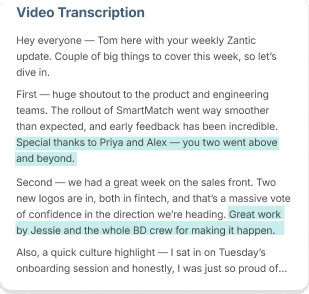
- Correcting the transcript, which also improves the captions.
- Adding captions so people can watch without sound.
- Applying a branded template so updates are recognizable.
- Combining several answers into one short update.
With Vouch, you can do all of this in the editor, and edit by transcript so you can see exactly what's being cut. For longer recordings, such as a town hall, Ask Vouch can find the moments on a particular topic and build a first cut for you to refine.
Dunelm's comms team keeps edits to a minimum. They trim the start and end and leave the CEO's content as it is. At Funlab, the philosophy is simple: "Done is better than perfect."
How to share a CEO video message where people already are
A leadership video only works if employees come across it. The simplest approach is to put it in the channels your team already uses rather than asking people to go somewhere new.
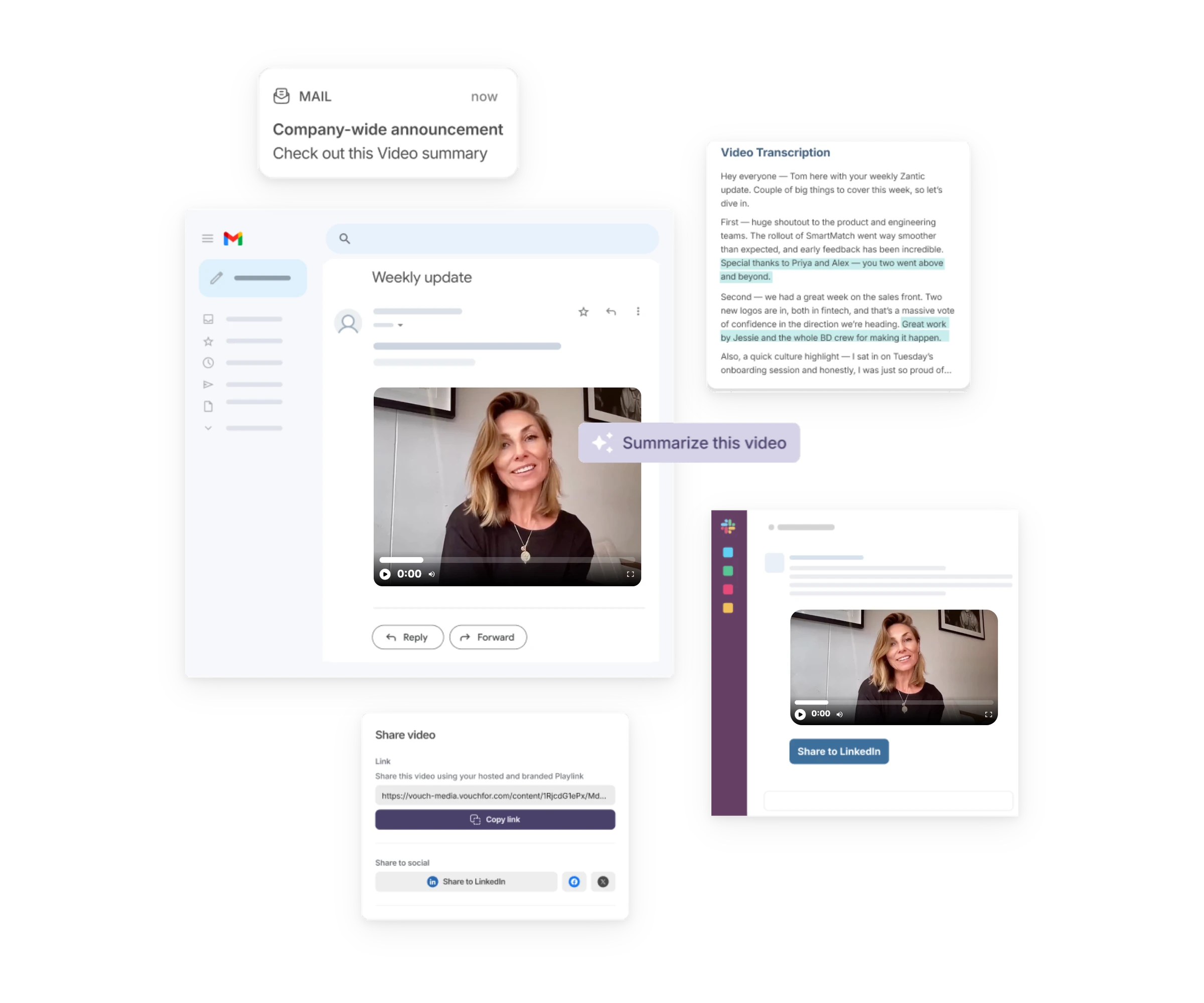
- Email: Embed a thumbnail, animated GIF or button in your newsletter that links to the video.
- Slack or Teams: Post it in the channels where company news already goes.
- Intranet: Embed it in the related news post so the video and the written detail sit together.
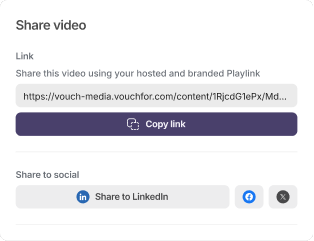
Vouch works alongside email, Slack, Teams and your intranet. It doesn't replace them. Its job is to help you capture and prepare the video, so the channels you already have carry a more human message. You can find more information about Vouch for internal comms.
Add a line of text with every video that sums up the key point. Some people will read before they watch, and some won't watch at all.
Make leadership video updates a habit
One video is a moment. A regular rhythm is what makes employees expect and look for updates from their leaders.
The teams in this guide have built that rhythm into routines that already exist. Bupa's leader answers a question in the weekly email. Dunelm's CEO uses the same open link every week or two. Funlab's leaders record for that week's newsletter.
Pick a cadence your leader can realistically sustain, attach it to something already in the calendar and keep each update focused. If you need inspiration for formats beyond the regular update, browse our internal communications video ideas.
Check whether employees are watching
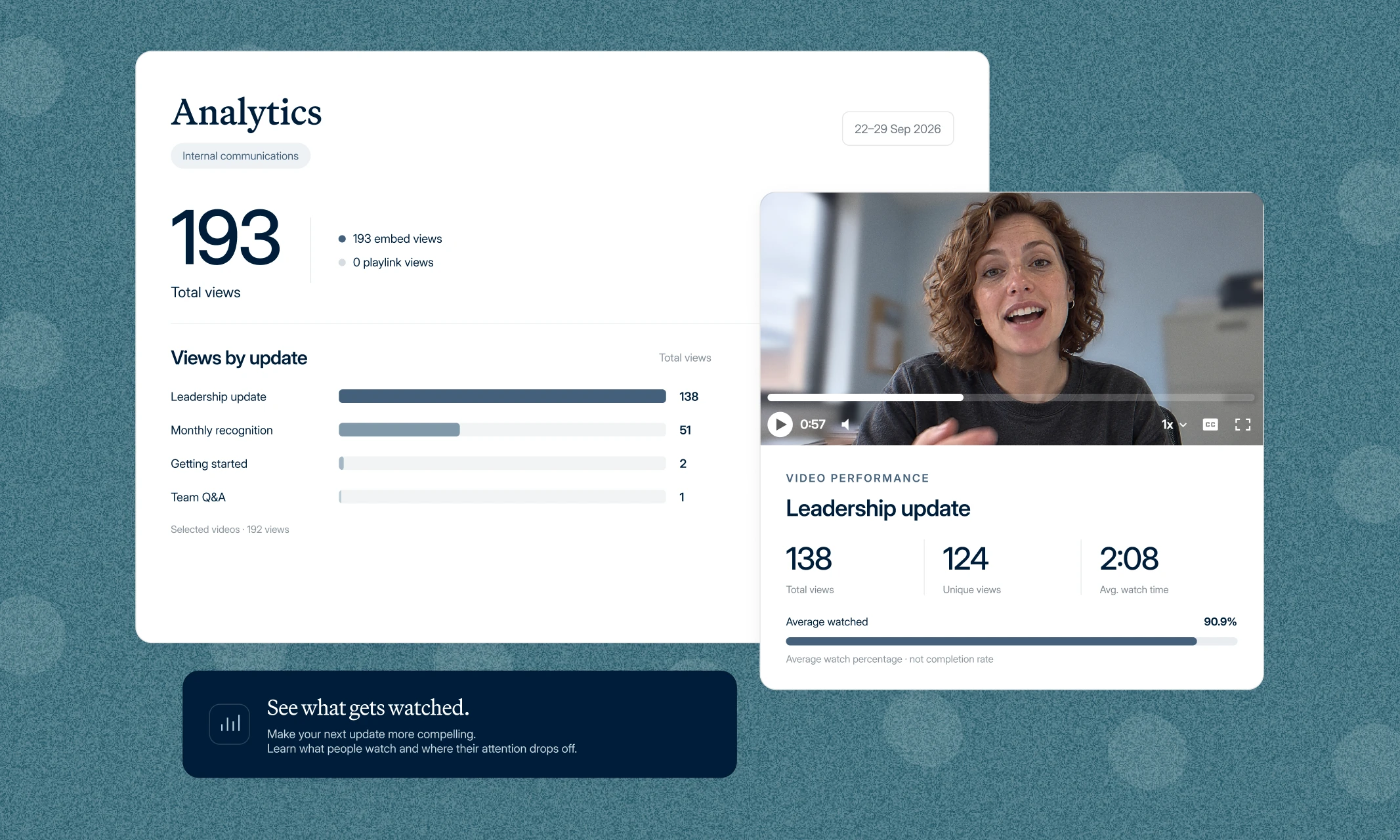
After sharing a few leadership updates, review how employees are engaging with them. Video views and watch time can help identify which messages hold attention and whether employees are watching to the end.
If viewers regularly stop watching early, consider shortening future updates or moving the most important information closer to the beginning. Comparing engagement across different topics and formats can also help identify what employees find most useful.
However, views and watch time don't necessarily show whether employees understood the message. Follow-up questions, short surveys or feedback collected through existing communication channels can help identify whether the update was clear and what employees still need to know.
Vouch provides video analytics to track views and watch time, helping communications teams understand how employees engage with published updates. Separately, request analytics show who opened a recording request, started recording and submitted a response, making it easier to manage follow-ups with leaders.
For a broader view of communication performance, see our guide to internal communications KPIs.
Frequently asked questions about CEO video messages
How long should a CEO video message be?
There's no single right length, but a few minutes is usually a practical starting point. Keep each video to one main message. If there's more to say, split it into separate videos.
Should a CEO video message be scripted?
Usually not word for word. Prompts and talking points help leaders stay on track while still sounding natural. Notes and a teleprompter can help with specific details such as dates or figures.
What if our CEO isn't keen on recording?
Recording is a different skill from presenting, and many leaders simply haven't done much of it. Starting with a single question, recording alone in their own time and being able to redo any answer all make the first video easier.
How often should leaders record video updates?
Choose a rhythm the leader can keep up, such as weekly or every two weeks, and tie it to something that already happens, like a newsletter or team email.
Does Vouch replace our intranet or email newsletter?
No. Vouch helps you collect, edit and organize leadership videos. Finished videos are shared through the channels you already use, including email, Slack, Teams and your intranet.
Start with one question
A regular CEO video message doesn't need to start as a major production. One leader answering a question employees have raised can be enough to establish a useful format and build confidence in the recording process.
Start with a topic that matters to employees, make it easy for the leader to respond and use the feedback from each update to improve the next one.
Vouch helps Internal Comms teams send the request, collect the recording, edit it and share it through the channels they already use, without a separate production process for every update.
The quickest way to see how it feels is to record something yourself. Try it yourself: answer two quick questions and see how easy it is for leaders to record.
You can also learn more about Vouch for Internal Comms. If you'd like to see how it would work for your organization, book a Vouch demo.

You might also like


Elevate Your Brand Today With Vouch
Discover how Vouch can accelerate talent acquisition while helping you stay on-brand.