
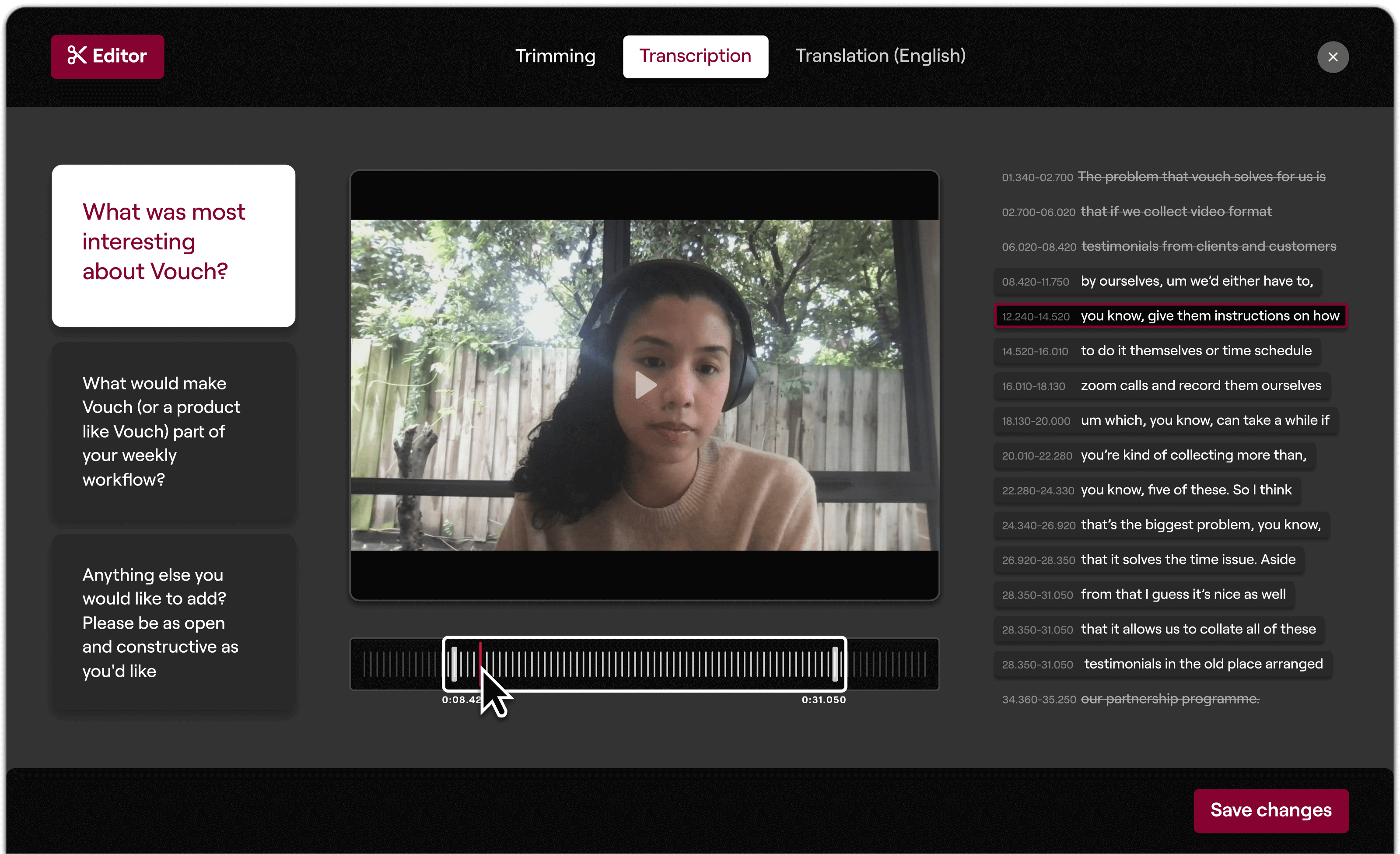
At Vouch, we make it easy to edit your clips with our suite of editing tools, so you can quickly create professional-looking videos with minimal effort. With trimming, transcriptions and translations, you can ensure your clips have maximum impact.
Trimming
Quickly and easily trim the start and end of your videos with our editing tools. Remove any head turns, awkward facial expressions, or silent moments directly within Vouch and get to the point faster. Take a look in more detail here.
How to trim the middle of your Vouch clip
- Create a Playlist and add the clip you want to edit, twice.
- Trim the end of your first clip to remove the section you don’t need.
- Trim the start of your second clip to remove the section you don’t need.
- Navigate to your share options and hit download. Here you can press play to preview how your new version will look
- If it needs some fine tuning, head back into the editing suite. If you’re happy, then download or share as needed.
Transcriptions
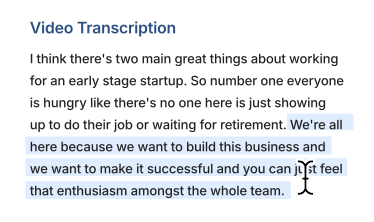
Our transcription service supports 38 languages, making it easy for you to add captions and transcriptions to improve accessibility. Customers can either let Vouch auto-detect this (and generate the transcription based upon the spoken language detected), or they can set it within their account settings. Find out how.
Translations
If you’re a global company with customers around the world, use Vouch’s translation feature to create accessible videos for every market. It automatically translates transcriptions for 80 different languages. Available for customers on our Starter plan.
Playlists
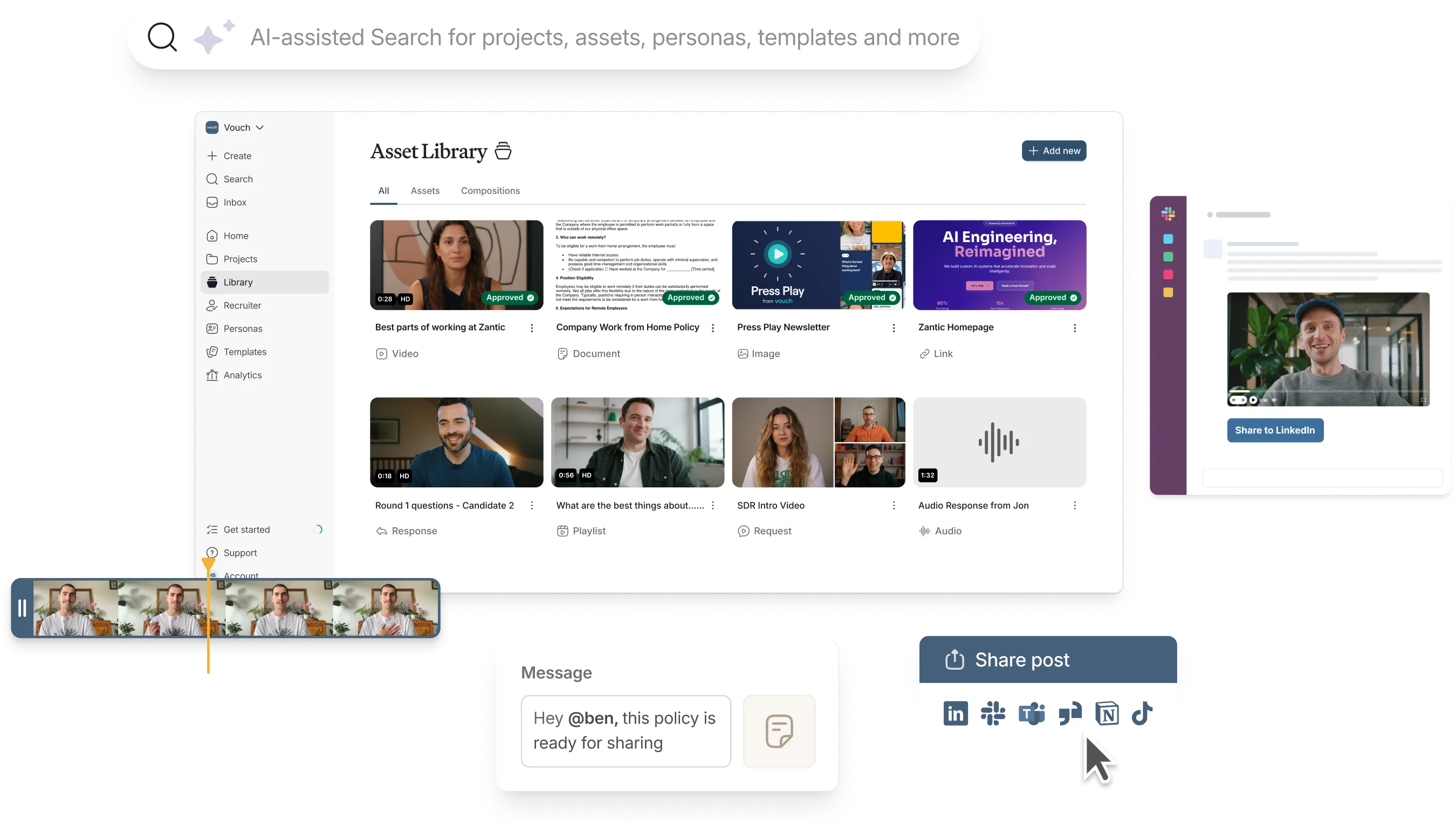
Combine your best videos to create compelling reels. Playlists let you stitch together any of your videos (Vouch responses, recordings and uploads), edit and share them directly from Vouch. Pick and mix the top answers to your questions to tell the story you want.
Customizable downloads
When you come to download your videos, you can pick and choose the details you’d like to display alongside your clip, including optional captions, logos and names. If you’re on our Starter plan, you can even customize the output with your own brand colors and logo.
Integrations
Need more complex editing features? Starter customers can set up an integration with the tools you use daily, like Google Drive or Dropbox, to give your team, or video editors, instant access to your videos. Without the need to continuously download and upload new versions.
Like to try Vouch?
Loved by companies like Canva, Nike, Cisco, HubSpot, Amazon and more, tools like Vouch make leveraging video in your business remarkably easy.
Be sure to book a Vouch demo today and chat with a video content expert.
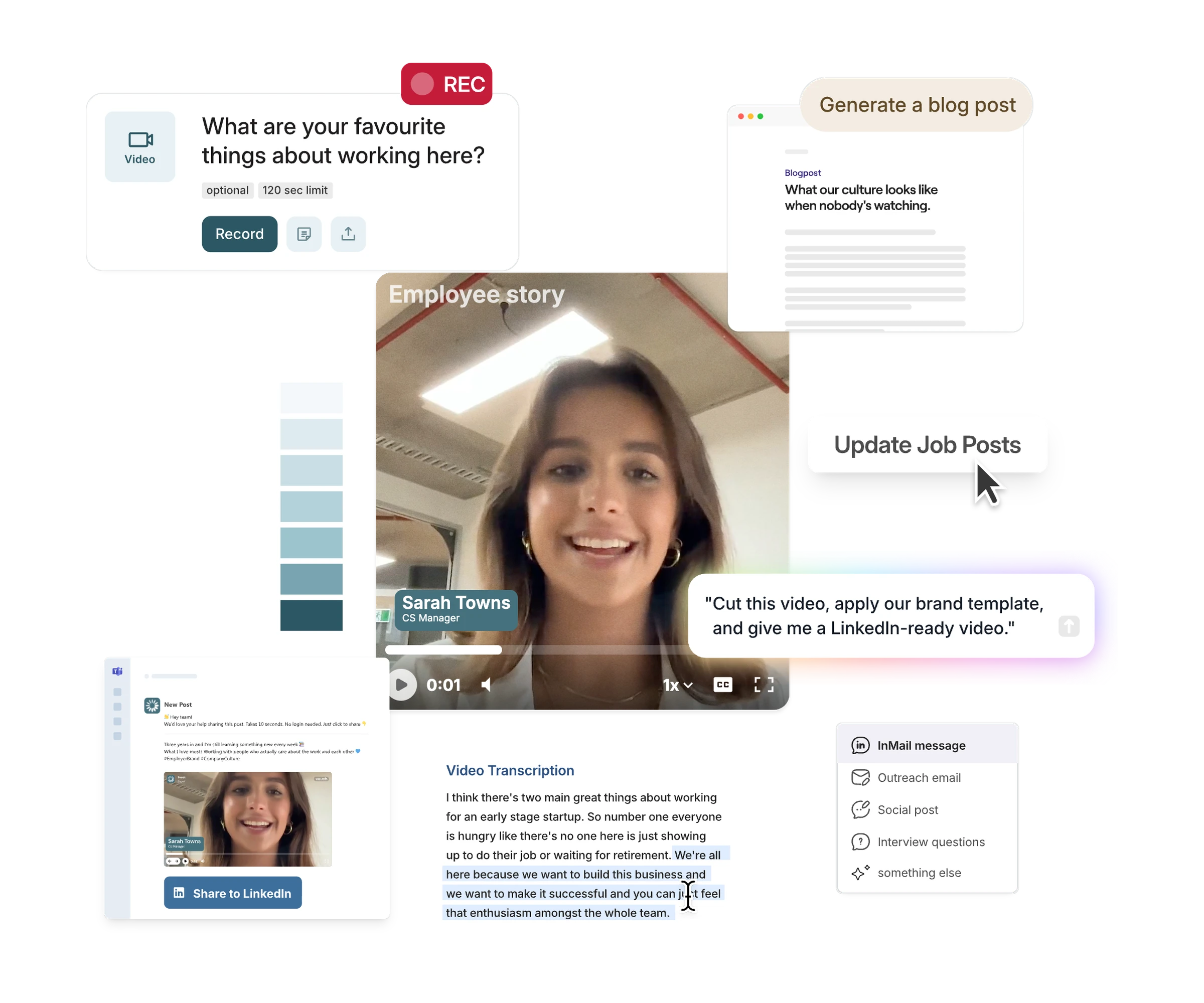
The AI-enabled workspace for talent teams
- One workspace for talent teams
- Accelerate hiring with AI tools
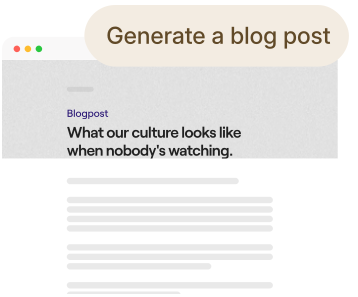
- Auto-generate on-brand content
- Reuse content on every channel







You might also like


Elevate Your Brand Today With Vouch
Discover how Vouch can accelerate talent acquisition while helping you stay on-brand.