.webp)
Employee videos tend to work best when the person on camera sounds like themselves. That’s what makes the content feel believable and gives candidates a more genuine sense of the people behind the company.
But asking an employee to record a video can still feel like a big request, especially if it’s not something they do often. A clear brief can make the process much easier by helping them understand what you need before they hit record.
The goal isn’t to give them the answer. It’s to give them enough direction to share their experience in their own words.
Bring your employer brand to life
- Empower employees’ storytelling
- Transform careers sites with video
- AI-driven video editing
- Publish videos anywhere
Why employee video briefs can go wrong
Most employees aren’t used to recording employer brand content as part of their day job. If the request simply says “tell us what you like about working here,” they have to work out what to talk about, how much to say and what kind of answer you’re looking for.
That can lead to vague responses that are difficult to turn into useful content. At the other end, giving someone a detailed script might make the recording easier to control, but it can also make the answer sound rehearsed.
You’re not trying to remove all direction. You’re trying to give employees enough of it that recording feels straightforward without putting words in their mouth.
Start with the purpose of the video
Before you get into the questions, give the employee enough context to understand why you’re asking them to participate.
They don’t need a long campaign brief. A few simple details are usually enough:
- What the video is for
- Who will see it
- Where it may be used
- Roughly how much time you’re asking them to give
If you’re asking someone to talk about career progression for a recruitment campaign, say that. If the video is going on a careers page for candidates considering a particular team, let them know.
That helps them work out what’s worth talking about without telling them what to say.
Give them focused questions, not a script
Focused questions are usually much easier to answer naturally than broad prompts.
Instead of:
“Tell us why this is a great place to work.”
Try:
- What surprised you in your first few months?
- What does a normal day look like for your team?
- What’s something you’ve learned since joining?
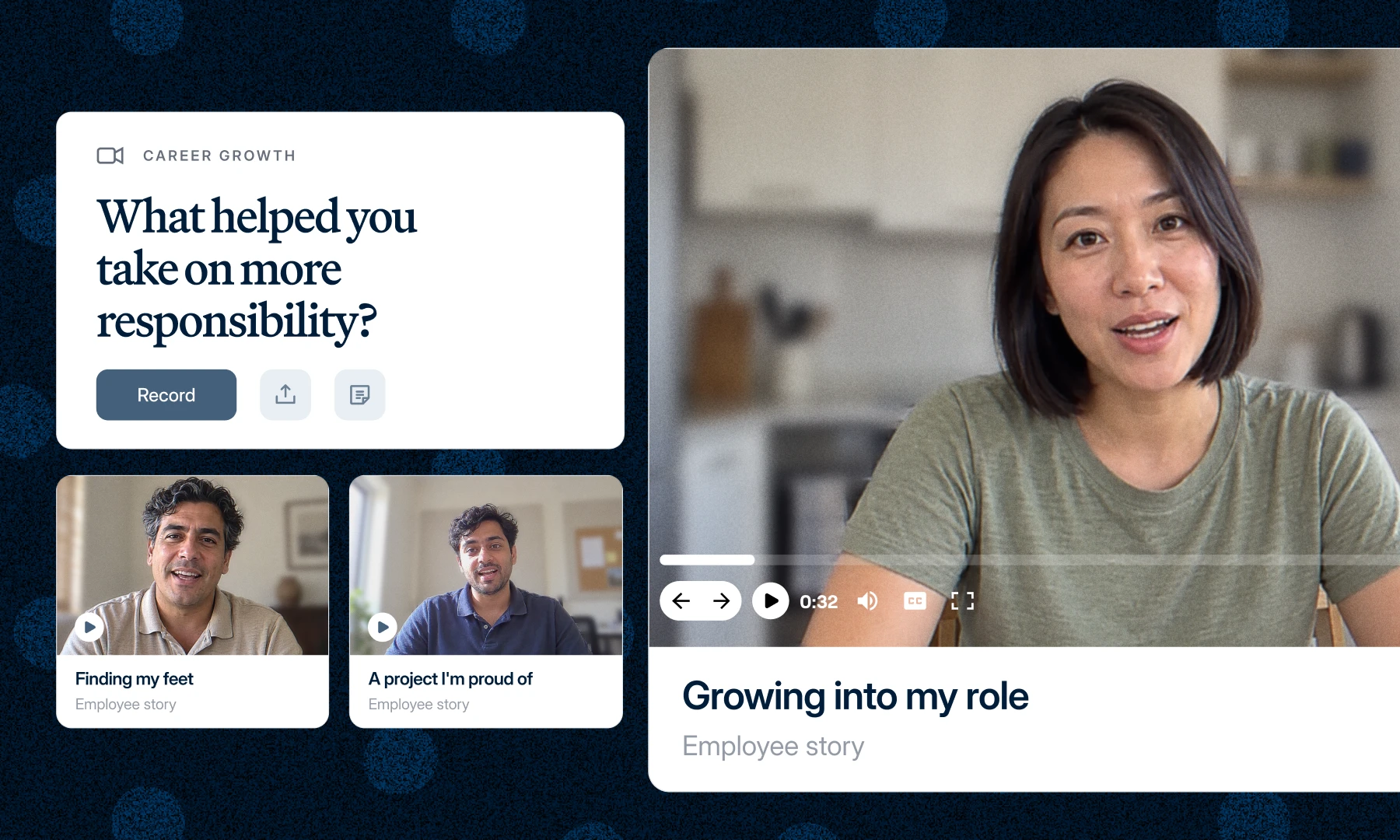
- Can you tell us about a project you’re proud of?
- How has your role changed since you started?
- What would you tell someone considering joining your team?
These questions give employees somewhere to start and are more likely to lead to specific answers.
It also helps to ask one question at a time. If you give someone five things to cover in a single response, they may spend more time trying to remember the brief than thinking about their answer. You can always ask another question afterwards.
Give employees a little guidance on their answer
Employees don’t need a model answer, but a little guidance can make recording much easier. Let them know roughly how long you’d like the answer to be and remind them that conversational is fine. They don’t need to deliver a polished speech.
You might tell them:
- Aim for around 30 to 60 seconds
- Answer in your own words
- It’s fine to pause or restart
- You don’t need to memorise anything
- A specific example is more useful than a general statement
That last point can make a big difference. “I’ve had lots of opportunities here” doesn’t give you much to work with. A short story about moving into a new role, learning a new skill or working on a particular project gives candidates something more specific to understand and remember.
A little guidance like this makes it easier for employees to give you something useful without feeling like there’s a ‘right’ answer.
Keep the recording instructions simple
Once the employee understands the purpose and question, make the recording process easy to follow.
Keep the practical instructions short and easy to scan:
You may also want to include a few basic recording tips if they’re filming themselves. Good lighting, clear sound and a quiet space are useful. A page of production instructions probably isn’t.
They really only need enough information to record and send their answer.
Give employees room to sound like themselves
Once you’ve given the brief, let the employee answer it their way. Everyone speaks a little differently, and that’s part of what makes employee content feel believable.
You don’t need to remove every pause, laugh or imperfect phrase. You also don’t need to rewrite an employee’s answer into company language just because it sounds a little less polished.
Editing can still help. You might remove a false start, shorten a long answer or cut a section that isn’t relevant. But the finished video should still sound like the employee who recorded it.
If every employee story sounds like it came from the same brand copy document, you’ve probably edited too far.
Make follow-up easier
Not every first answer will give you exactly what you need. If an employee gives you something too broad, you don’t necessarily need to ask them to start again. A focused follow-up question can often get you what you need.
For example:
- If they say, “I’ve had a lot of opportunities to grow,” follow with: “Can you give us an example of one of those opportunities?”
- If they say, “The team culture is really supportive,” ask: “What’s something your team has done that made you feel supported?”
That is often much easier for the employee than asking for a complete rerecord. It also keeps the process moving without adding unnecessary back and forth.
Give direction without giving employees the words
A good employee video brief should make it easier for employees to understand what you need without making their response feel rehearsed.
Give them the context, a focused question and the practical details they need to get started. From there, leave enough room for them to answer in their own words.
You’ll usually get a more useful answer without making the employee feel like they have to perform it.
How Vouch makes employee video requests easier
Collecting employee videos can quickly turn into a lot of back and forth, especially when you’re trying to manage questions, recording instructions, deadlines and follow-ups at the same time.
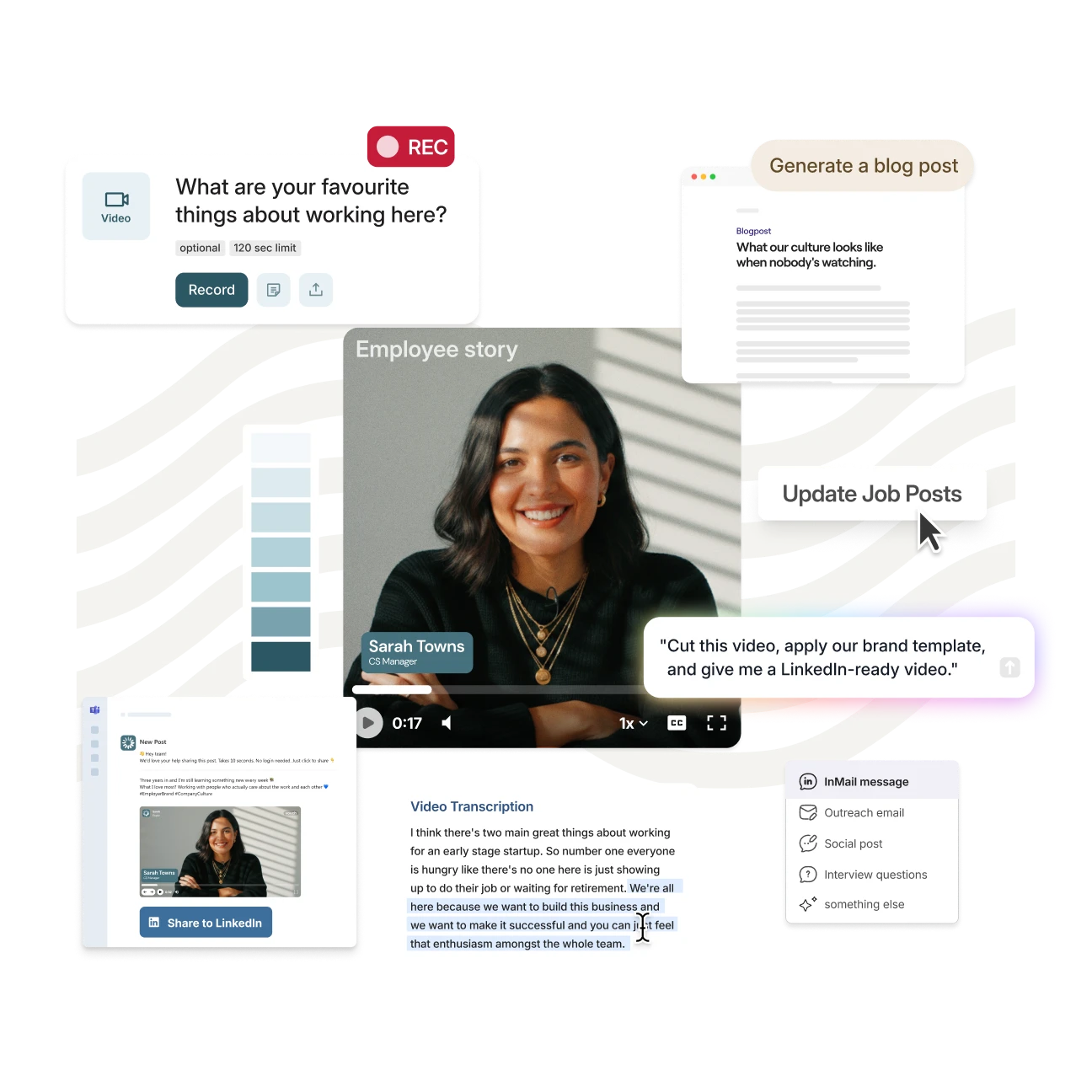
Vouch gives you one place to send employees the questions and guidance they need, then receive their responses when they’re ready to record. That means you don’t need to book an interview every time you want to capture a new employee video.
Once the videos come in, you can keep them organised and make approved content easier to edit, repurpose and use again across different channels.
If you want to see how Vouch can help your team collect employee videos, you can book a demo.

You might also like
.webp)

Elevate Your Brand Today With Vouch
Discover how Vouch can accelerate talent acquisition while helping you stay on-brand.