Employer Brand Content Approval Checklist: How to Review Content Without Slowing It Down
Employer brand content rarely gets delayed because the story isn’t good enough. It gets delayed because nobody knows who needs to approve it.
Legal gets added halfway through. The Comms team rewrites the caption. A recruiter comments after the employee has already approved the edit. Suddenly, one employee video has become a two-week internal project.
This is the Content Approval Tax: the hidden work created by unclear reviewers, scattered feedback and repeated approval rounds. Lean EB teams reduce it by deciding three things upfront: what needs checking, who owns each check and who gives final approval.
Bring your employer brand to life
- Empower employees’ storytelling
- Transform careers sites with video
- AI-driven video editing
- Publish videos anywhere
Why employer brand content approvals become a bottleneck
The problem usually isn’t the number of reviewers. It’s that reviewers are brought in too late, given no clear responsibility or asked to approve things that don’t require their input.
Without a defined process, feedback arrives across emails, documents and messages. Reviewers focus on personal preferences rather than accuracy or risk. Small changes trigger another full review, and nobody is quite sure which version is final.
This is part of the Coordination Tax: the hidden work involved in keeping employees, stakeholders, content and approvals moving. The Content Approval Tax shows up when too much of that work is spent chasing feedback, reconciling edits and confirming which version is actually approved.
Employer Brand teams reduce it by deciding the approval path before creating the content. For each request, they establish:
- Who owns the asset
- What needs to be checked
- Who is responsible for each check
- Who has the final decision
- Where feedback and approval will be recorded
The level of review should match the level of risk. A short employee social post may only need approval from the employee and employer brand owner. Content involving benefits, employment policies, customer information or regulated work may need input from an additional subject-matter expert, legal or communications.
The goal isn’t to include every possible stakeholder. It’s to involve the right people, for the right reasons, at the right time.
Employer Brand Content Approval Checklist
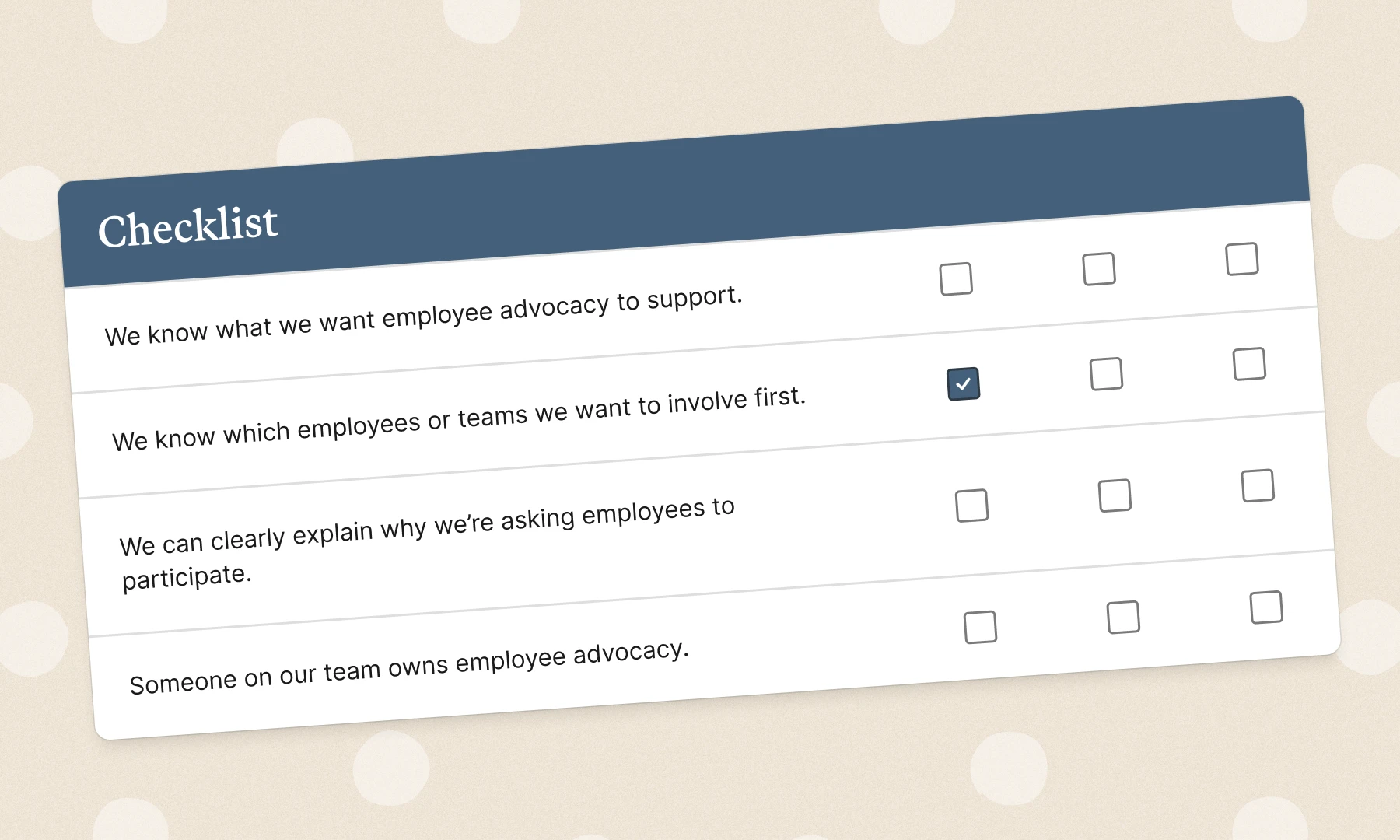
Not every asset needs every possible reviewer. Use this checklist to identify what needs to be checked, assign the right owner and keep feedback focused on what matters.
1. Confirm the purpose and audience
Before reviewing individual words or edits, confirm the asset still supports its original purpose.
Check that:
- The intended audience and channel are clear
- The content supports a current role, campaign or employer brand priority
- The story is relevant to the candidate or employee journey
- The call to action matches the content
- The asset is still timely and useful
A story can be accurate and well produced without being right for the campaign. . For example, an employee story about career progression may not be the best fit for a campaign showing the day-to-day reality of a technical role.
Vouch’s Employer Branding Strategy: Step-by-Step Guide provides a broader framework for connecting content activity to employer brand and hiring priorities.
2. Check accuracy and risk
Focus reviewer attention on claims or details that could create confusion, rather than inviting everyone to rewrite the content.
Check references to:
- Job titles, team names and office locations
- Benefits and employee policies
- Flexible working arrangements
- Graduate or development programs
- Customer and project names
- Company statistics
- Application dates and role requirements
- Confidential or commercially sensitive information
- Internal screens, documents or personal information visible on camera
Be especially careful with personal experiences from candidates that could be interpreted as company-wide promises.
For example:
An employee says:Everyone can work remotely from anywhere.
A more accurate version may be:
In my team, I’vebeen able to work flexibly and split my time between home and the office.
This keeps the employee’s experience intact without presenting it as a universal policy claim.
3. Protect the employee’s voice
Editing should improve clarity without changing what the employee meant or turning the story into corporate copy.
Check that the final asset:
- Preserves the employee’s intended meaning
- Keeps important context
- Still sounds like the employee
- Doesn't combine statements in a misleading way
- Reflects any changes requested by the employee
- Has been approved for the intended use
Authenticity is one of the main reasons organisations invest in employee-generated content.
Over-editing removes the personal detail and natural language that make employee stories credible.The aim is not to make every employee sound the same. It is to make each story clear and usable while retaining the person behind it.
4. Confirm permission and intended use
Employees should also understand how their content will be used before it is published. Including:
- Where the content may appear
- Whether it is approved for internal use, external use or both
- Whether it may be edited, shortened or repurposed
- Whether captions, graphics or translations may be added
- Whether it may appear in paid advertising
- How long the content may be used
Privacy and consent requirements vary by state, country and organisation, so employer brand teams should follow their approved legal and privacy processes.
The US Federal Trade Commission provides guidance on collecting, retaining and protecting personal information, including information relating to employees.
5. Review privacy and confidentiality
Employee content can unintentionally reveal information that should not be public.
Check for:
- Customer or client names
- Confidential project details
- Internal screens or dashboards
- Whiteboards or documents visible in the background
- Personal information about colleagues
- Financial information
- Unannounced campaigns or products
- Security passes and access details
- Candidate or customer information
- Personal contact details
Video should be checked visually as well as verbally.
The employee’s spoken response may be suitable while the background contains confidential information. In many cases, the issue can be resolved by cropping, blurring or removing a short section rather than discarding the full recording.
6. Check brand and EVP alignment
Employee content does not need to repeat the employer value proposition word for word.
It should, however, be consistent with the experience the organisation is communicating.
Review whether the content:
- Supports a genuine part of the employer value proposition
- Uses current company and program names
- Avoids exaggerated or unsupported claims
- Reflects the intended tone
- Represents personal experience honestly
- Adds proof or context to the broader employer brand
Example brand review
Campaign message:
Employees are trusted to take ownership of their work.
Employee story:
My manager gave me responsibility for a client presentation in my second month, but she also reviewed the first version with me and helped me prepare.
The employee does not repeat the approved campaign line. They prove it through a specific experience.
That is usually more useful than asking them to repeat the employer brand message directly.
7. Check quality and accessibility
Employee content doesn't need to look like a high-budget campaign. It does need to be easy to watch, hear and understand.
Check that:
- Audio is clear
- The employee can be seen
- Captions are accurate
- On-screen text is readable on mobile
- Names and job titles are correct
- Branding is current
- The video begins and ends cleanly
- Links and calls-to-action work
- Images include suitable alternative text
- Audio-only content includes a transcript where required
The approval standard should focus on clarity and usability. A slightly informal employee recording can often feel more credible than an overly polished corporate video.
8. Record the final approval
Once the content is approved, make that decision clear and traceable.
Record:
- The asset and final version
- Who approved it
- The approval date Approved channels
- Any usage restrictions
- The review or expiry date
- Where the final asset is stored
Avoid relying on messages such as “looks good” when multiple versions are circulating. The approval record should make it obvious which version is ready to use.
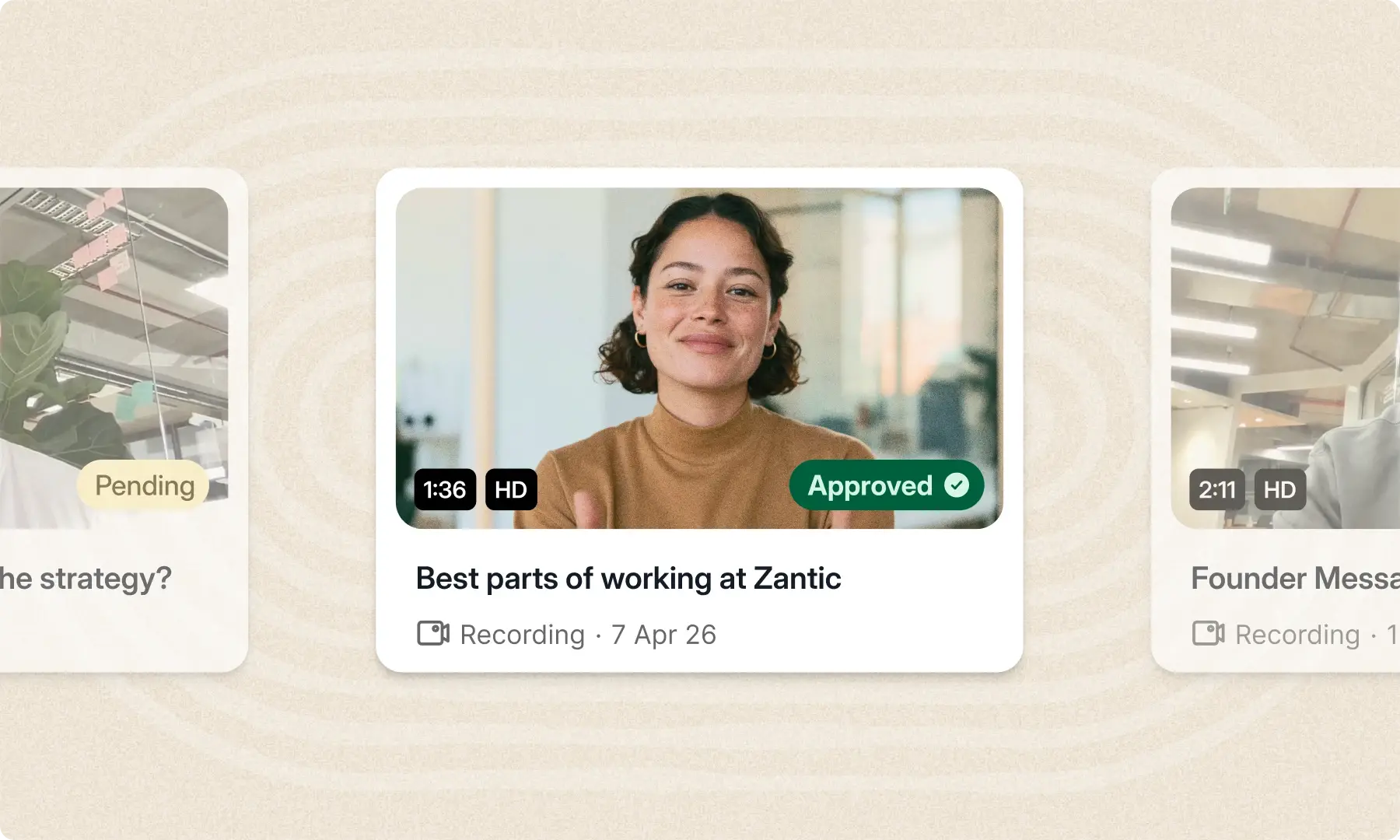
Vouch’s approval workflow helps teams distinguish between content that is pending, ready for review, approved, restricted to internal use, rejected or archived.
Who should approve employer brand content?
The right reviewers depend on what the content covers and the level of risk involved. Not every asset needs approval from legal, communications, a hiring manager and the employee. For most employee content, the approval path can be kept simple:
Each reviewer should also have a defined responsibility.
- Employee: Confirms the final edit reflects their experience and intended meaning
- Recruiter or hiring manager: Checks role, team and hiring details
- Policy owner: Verifies benefits, policies and working arrangements
- Legal or privacy: Reviews consent, confidentiality, claims and usage risks
- Employer brand owner: Confirms the content supports the objective, meets the required quality and is ready to use
- Communications: Reviews reputationally sensitive or company-wide messaging where required
Keep the approval group as small as the content allows. When every reviewer knows exactly what they’re responsible for, feedback stays focused and personal preferences are less likely to create unnecessary approval rounds.
Employer brand content approval template
The following template can be added to a project management tool, campaign brief or content platform.
Keep approval simple and visible
A good approval process protects both the employee and the organisation without turning every asset into a major internal project.
It verifies facts, preserves the employee’s meaning and confirms the content is suitable for its intended audience and channel.It shouldn’t give every possible stakeholder an opportunity to rewrite every piece of content.
Employer brand teams keep the process clear by establishing:
- What needs to be checked
- Who is responsible for each check
- Who has the final decision
- Where feedback and approvals are recorded
- When the content should be reviewed again
The fewer unanswered questions and disconnected review stages there are, the less Content Approval Tax the team has to absorb.
Vouch helps employer brand teams manage employee stories from collection through to approval, organisation and distribution. Teams can keep content in one searchable library, making it easier for recruiters to find current, approved assets and use them with confidence.
For more guidance on organising approved content, read How to Build an Employee Content Library That Actually Gets Used.
Book a demo to see how Vouch can simplify your employer brand content workflow.
Frequently Asked Questions
What should an employer brand content approval checklist include?
An employer brand content approval checklist should cover the content’s purpose, factual accuracy, employee permission, privacy, confidentiality, brand alignment, accessibility and final approval.
It should also record which version was approved, who approved it, where it can be used, any usage restrictions and when it should be reviewed again.
Who should approve employee-generated content?
For lower-risk content, approval may only be needed from the employee and employer brand owner. Additional reviewers should be included when their expertise is relevant.
For example, a recruiter or hiring manager may verify role details, while a policy owner may review benefits or working arrangements. Legal, privacy or communications teams may be required for regulated, confidential or reputationally sensitive content.
The approval group should reflect the level of risk rather than include every possible stakeholder by default.
Should employees approve the final edit?
Employees should have an opportunity to confirm that the final edit accurately reflects their experience and intended meaning. They should also understand how and where their content will be used.
The exact approval process should follow the organisation’s legal, privacy and consent policies.
How many approval rounds should employer brand content have?
For lower-risk content, aim for one consolidated review round followed by final confirmation. More complex or sensitive content may require additional review.
Repeated approval rounds often indicate that the objective, reviewers or approval criteria weren’t clear at the beginning. Defining these upfront helps Lean EB teams reduce the Content Approval Tax.
When should approved employer brand content be reviewed again?
Review approved content when a referenced role, policy, benefit, location, program or campaign changes. It should also be reviewed when its agreed usage period ends or when it is adapted for a new audience, channel or purpose.

You might also like

Elevate Your Brand Today With Vouch
Discover how Vouch can accelerate talent acquisition while helping you stay on-brand.